
Sand Portal AI Video Effect Generator
Use the Sand Portal generator with a prefilled prompt, model, duration, and aspect ratio to create a polished AI video effect.
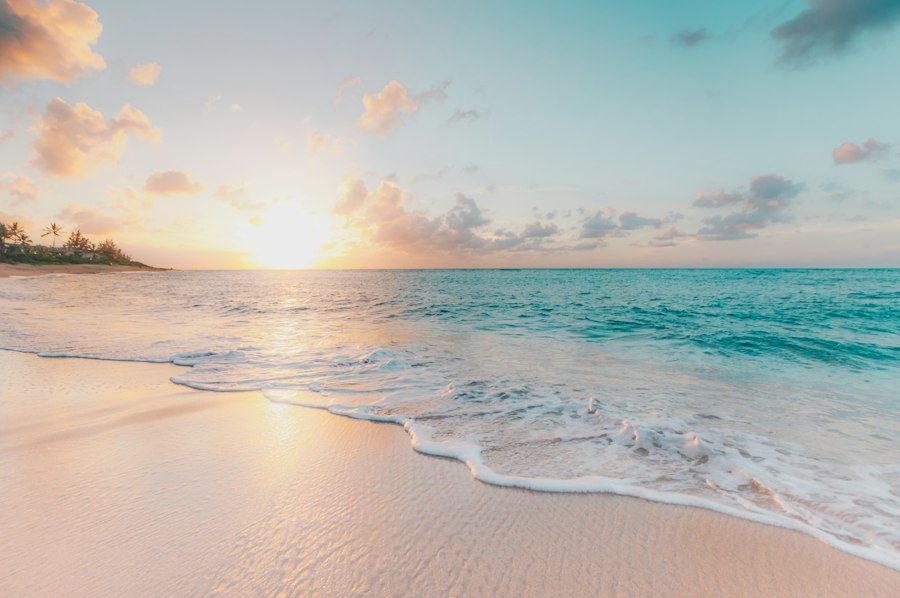
Preview the motion, framing, and visual style of the Sand Portal effect before generating your own version.
How to Use Sand Portal
The Sand Portal generator is optimized for a simple photo-to-video workflow. Upload one source image, keep the preset effect, and generate a ready-to-share video.
Upload a clear photo
Start with one clear, well-lit photo where the main subject is visible and not heavily cropped.
Select the Sand Portal effect
The prompt, model, duration, aspect ratio, and quality preset are loaded automatically for this template.
Generate and preview
Create the video, review the result, then download or keep exploring related effects.
Explore More AI Video Templates and Effects
After using Sand Portal, explore more ready-made AI video templates for romance, fantasy, action, travel, music, and viral social edits.
Frequently Asked Questions
Everything you need to know before using the Sand Portal generator.
What is the Sand Portal video effect?
Sand Portal is a ready-made AI video effect with a preset prompt, model, duration, and aspect ratio for fast generation.
What input works best for Sand Portal?
Use a clear, well-lit image with the subject visible. Half-body, full-body, or clean portrait framing works best depending on the effect.
Can I use the result for social posts?
Yes. The preset is designed for short social videos, edits, ads, reels, and creative previews. Review the generated result before publishing.
What should I do if the result looks distorted?
Try a clearer source image, avoid heavy occlusion, keep the subject well framed, and regenerate. Effects with faces, hands, or body contact are more sensitive to input quality.